Updated November 2026 · Docker Engine and Compose v2 · print-friendly
The Docker commands we reach for most. Add sudo if you are not in the docker group. New to Docker? Start with the full guide. This page prints cleanly if you want a paper copy.
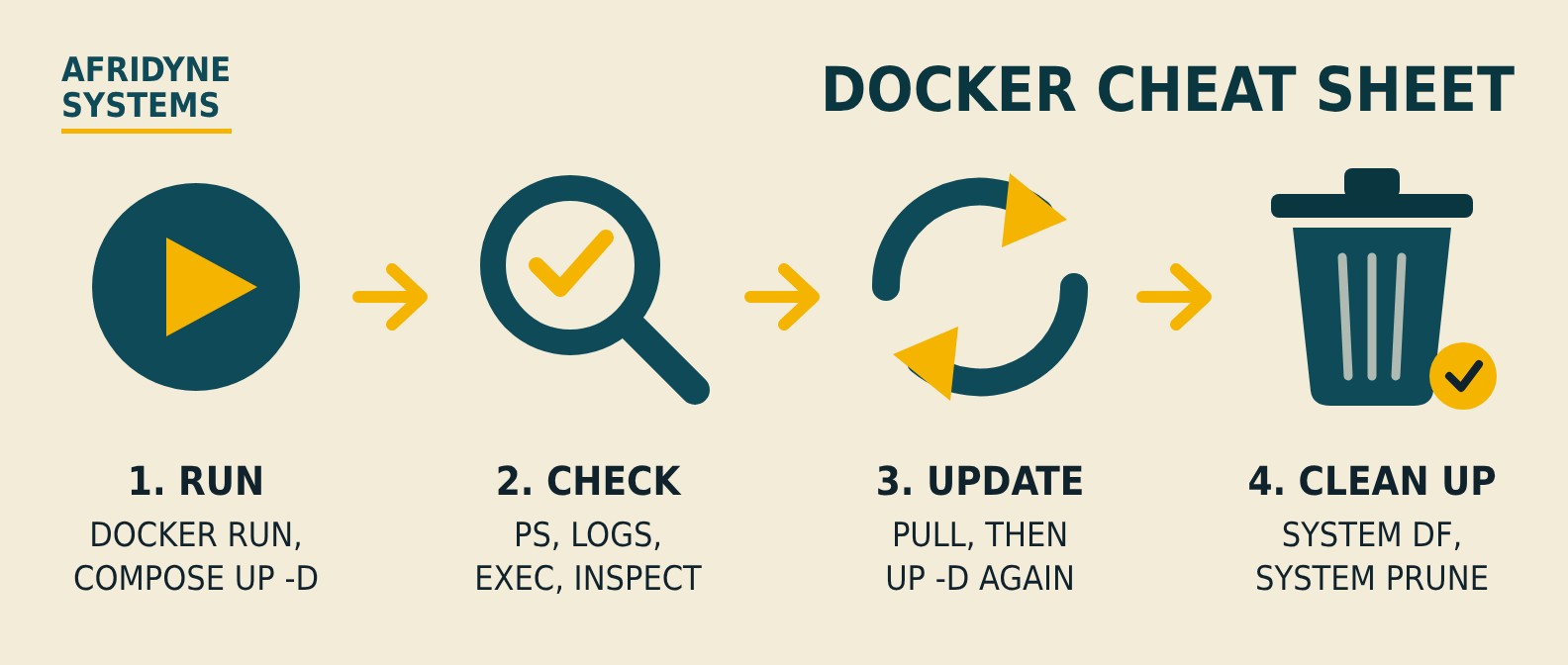
Run and manage containers
| Command | What it does |
|---|---|
docker run -d --name web -p 8080:80 nginx | Start a container in the background, named web, with port 8080 on your computer pointing to its port 80. |
docker run --rm -it alpine sh | Throw-away container with a shell. It is deleted when you exit. |
docker ps | List running containers. Add -a to include stopped ones. |
docker logs -f web | Follow a container’s log live. --tail 50 shows the last 50 lines. |
docker exec -it web sh | Open a shell inside a running container. |
docker stop web | Stop it. Also start and restart. |
docker rm web | Delete a stopped container. rm -f stops and deletes. |
docker stats | Live CPU and memory use per container. |
docker inspect web | Everything Docker knows about it: ports, mounts, IP address. |
docker cp web:/etc/nginx/nginx.conf . | Copy a file out of a container. |
Images
| Command | What it does |
|---|---|
docker pull nginx | Download or update an image. |
docker images | List images on this machine. |
docker rmi nginx | Delete an image (no container may be using it). |
docker image prune -a | Delete every image not used by a container. |
docker search nginx | Search Docker Hub. Check the publisher before you trust it. |
Compose
Run these in the folder that holds compose.yaml.
| Command | What it does |
|---|---|
docker compose up -d | Create and start everything. Run it again after editing the file to apply changes. |
docker compose ps | Status of this project’s containers. |
docker compose logs -f | Follow the logs of all services. Add a service name to narrow it. |
docker compose pull | Fetch newer images. Follow with up -d to update. |
docker compose restart | Restart the services. |
docker compose exec app sh | Shell in the service named app. |
docker compose config | Check the file for mistakes and show the result. |
docker compose down | Stop and remove the containers. Volumes and ./data folders are kept. |
docker compose down -v | As above and delete the named volumes. Your data. Use with care. |
Volumes and networks
| Command or setting | What it does |
|---|---|
docker volume ls | List named volumes. |
docker volume inspect NAME | Show where a volume lives on disk. |
docker network ls | List networks. Containers in one Compose project share one by default. |
- ./data:/app/data | In compose.yaml: keep the container’s /app/data in ./data beside the file. |
- "127.0.0.1:3001:3001" | In compose.yaml: publish a port to this computer only. Without the 127.0.0.1: it is open to the network and can bypass ufw. |
Clean up
| Command | What it does |
|---|---|
docker system df | How much disk Docker is using. |
docker system prune | Delete stopped containers, unused networks and dangling images. It asks first. |
docker builder prune | Delete the build cache. |
sudo systemctl status docker | Is the Docker service itself running? |
journalctl -u docker -b | The Docker service’s own log since boot. |
Windows in a container (dockur/windows)
| Item | What it means |
|---|---|
ls -l /dev/kvm | Must exist. No KVM, no Windows container. |
image: dockurr/windows | The image. Needs /dev/kvm, /dev/net/tun and NET_ADMIN. |
VERSION: "11" | Which Windows to install. Other values include 10 and several Server releases. |
RAM_SIZE, CPU_CORES, DISK_SIZE | Defaults are 4G, 2 cores and 64G. |
http://localhost:8006 | Browser view, mainly for the install. Use RDP on port 3389 afterwards. |
./shared:/shared | A folder shared with Windows, shown as Shared on the desktop. |
A good first move on any container that will not behave: docker compose ps for the state, then docker compose logs --tail 50 for the reason.
 Chat on WhatsApp